Witch Crossing
Controls
- Move: WASD or Arrow Keys
- Interact: Left Click or Space or Z
- When brewing, press Tab to toggle the recipe list
Instructions
The game has two phases: brewing potions and gathering materials.
Brewing
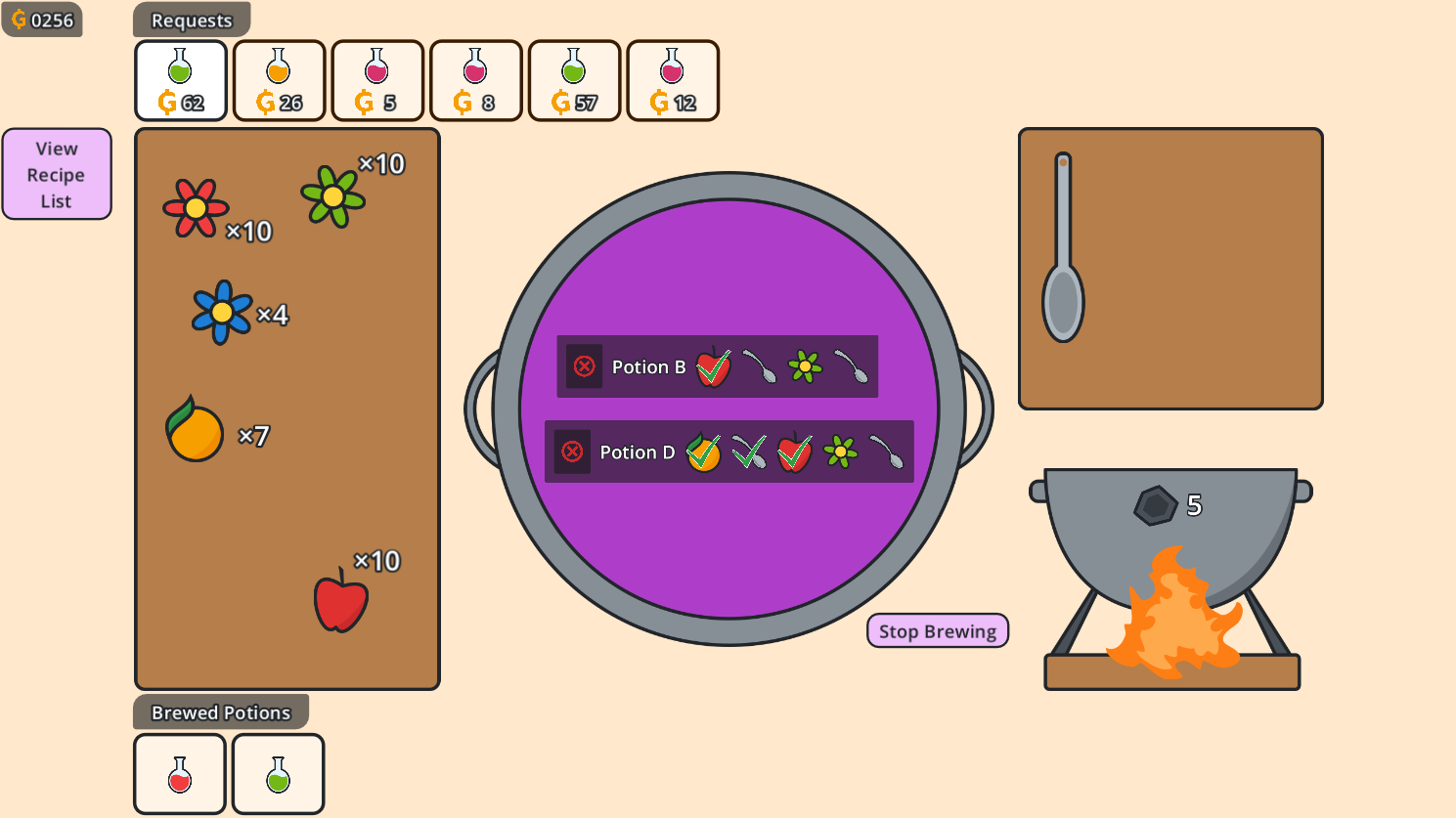
- Drag materials from the left into the cauldron in the middle
- Stir by dragging the spoon from the right into the cauldron
- Every stir uses up 1 fuel (displayed above the fire on the bottom right)
- Press Tab to view your recipe list
- Completed potions appear at the bottom of the screen - click on them to deliver them to a customer (customer requests are at the top of the screen)
- You can brew up to 3 different types of potions at once
- Try to overlap recipes to save on fuel and make more money!
- Brewing ends when you run out of fuel (you can also press the "Stop Brewing" button if you run out of materials)
Gathering
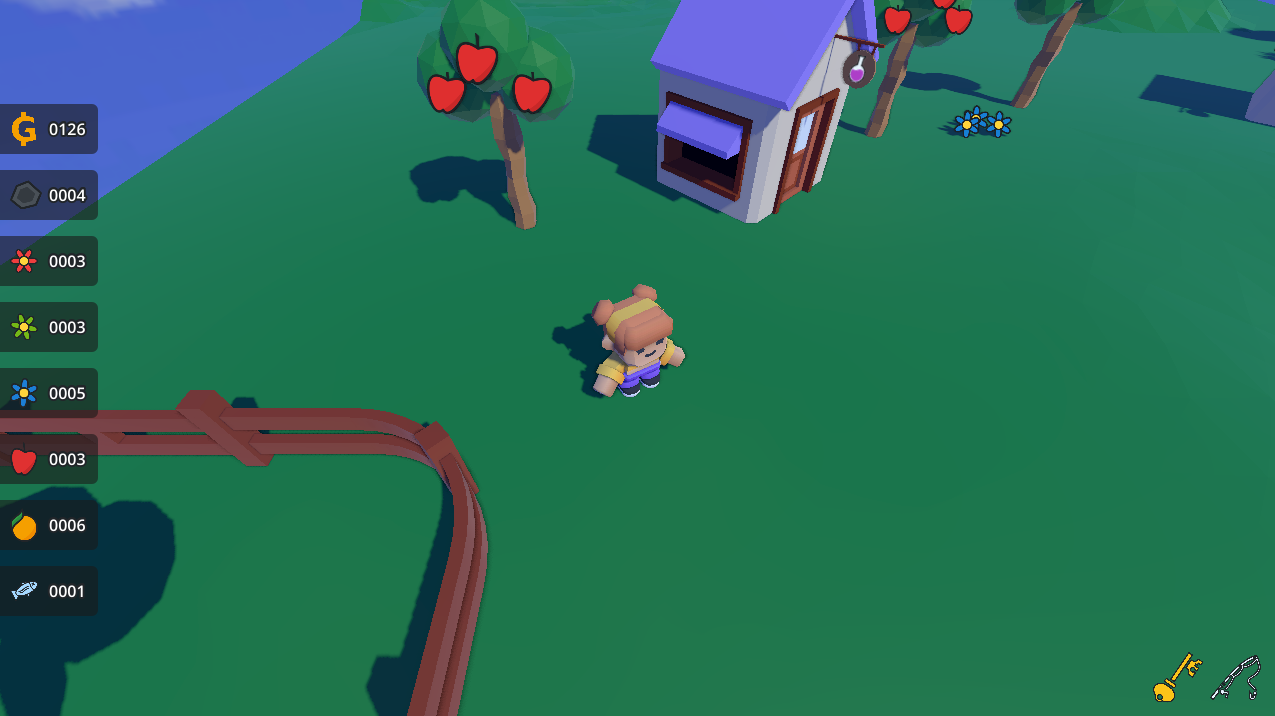
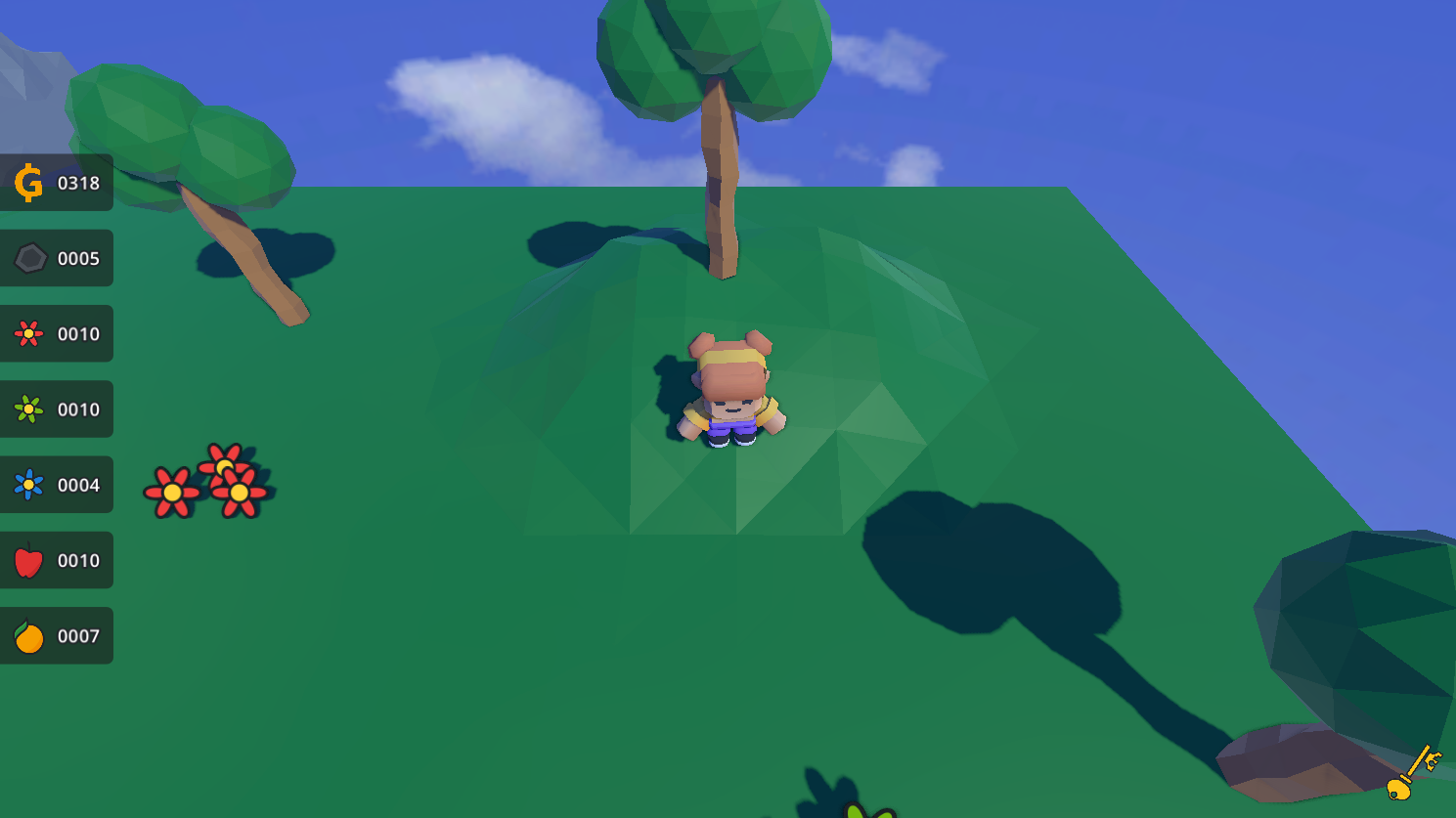
- Once you run out of fuel, you'll go outside to gather materials
- Walk around and interact with objects to pick them up
- The item shop (green roof) has items that will let you access new materials and recipes
- When you find new materials, your recipe book will be updated with new recipes
- Return to your shop (purple roof) to start brewing again
- Make sure to pick up more fuel so you can keep brewin
(p.s. if you want to cheat, press tilde and use the set_gold command to give yourself money)
Credits
- Barriecito font
- Fantasy Town Kit by Kenney
- Game-icons.net
- Godot Modular Transitions by Binbun
- gwj-accessibility-scripts
- Limbo Console
- Mini Characters by Kenney
- Particle Pack by Kenney
- Phantom Camera
- Seamless Sky Backgrounds by Screaming Brain Studios
- Wavy Texture Shader by NahtreX
Software
- Godot 4.7 dev5
- Inkscape
- Blender
- Bitwig Studio
- jsfxr
Download
Leave a comment
Log in with itch.io to leave a comment.